Webinars & Courses

3D Art & Animation
for Games

Live sessions, recorded workshops, and structured programmes — each one built around specific problems practitioners actually run into.

Hands-on technical instruction Real production workflows Direct access to working specialists
3D Character Modeling for Games
4 min Intermediate

3D Character Modeling for Games

A focused service for artists who want to create game-ready 3D characters, from concept blocking to final topology and texture baking.

379 views 245
420 CAD One character asset, up to two revision rounds per stage. Additional characters billed separately. 3 left
View Details
Game Animation: Rigging and Motion for Real-Time Characters
5 min Intermediate to Advanced

Game Animation: Rigging and Motion for Real-Time Characters

Practical work on skeletal rigging, weight painting, and gameplay animations built to run inside a real game engine without breaking.

88 views 272
560 CAD Covers one humanoid character with four animation clips. Creatures or quadrupeds require a separate quote. 2 left
View Details

How a Session Works

Each webinar follows a consistent structure so you always know what to expect from the first minute to the last.

1
Pre-session prep
Short brief sent 24 hours before — software version, reference files, 3 specific goals for the session.
2
Live instruction
Instructor works inside the actual software in real time — no slides, no pre-rendered demos.
3
Q&A block
Dedicated 20-minute window for questions, screen-sharing participant work, and live critique.
4
Recording access
Full recording available within 6 hours. Downloadable project files included for 90 days.
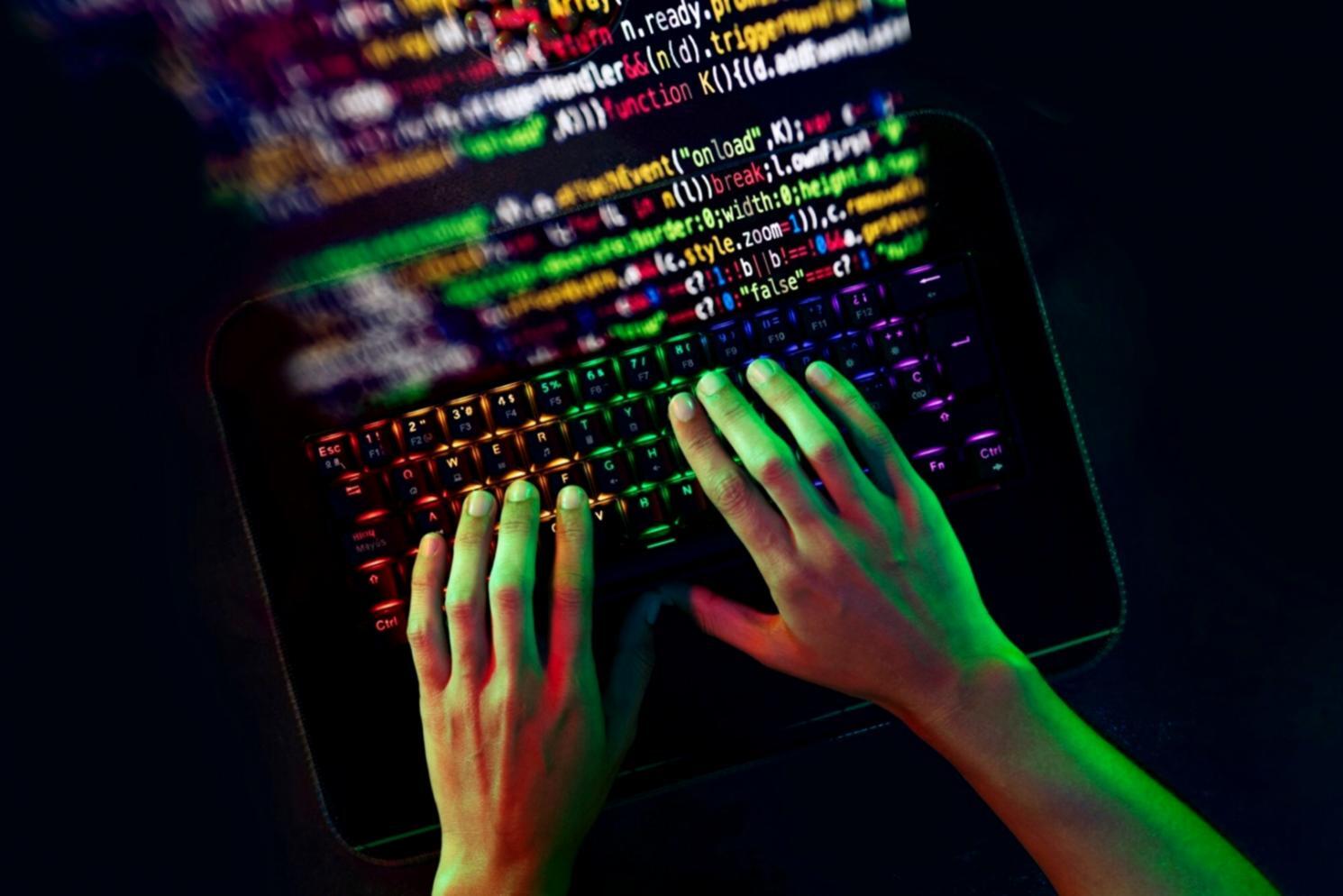
3D animation workflow in game production environment
What sets the sessions apart

Production context
in every lesson

Instruction tied to actual game production constraints — polygon budgets, export pipelines, engine-specific gotchas that only surface after 3 years working in a studio.

Sessions average 75 minutes and cover one clearly scoped problem — rigging a character for Unity, baking normals without artefacts, or setting up a modular asset kit from scratch.

Software-specific: Blender, Maya, Substance Painter — instructor stays in one tool per session, no switching mid-lesson.
Small groups: Sessions cap at 18 participants so questions get actual answers, not a chat scroll.
Attendance from anywhere: Participants have joined from 31 countries — no timezone restriction on recordings.
About the programme